The Image to PDF app for iPhone and iPad
Everything this website does, in your pocket — plus a document scanner and a history of every PDF you have made. No connection required, because nothing is ever uploaded.
- 📵 Works with no signal
- 📷 Document scanner
- 🗂️ Conversion history
- 🆓 Free to download

Built for the awkward jobs
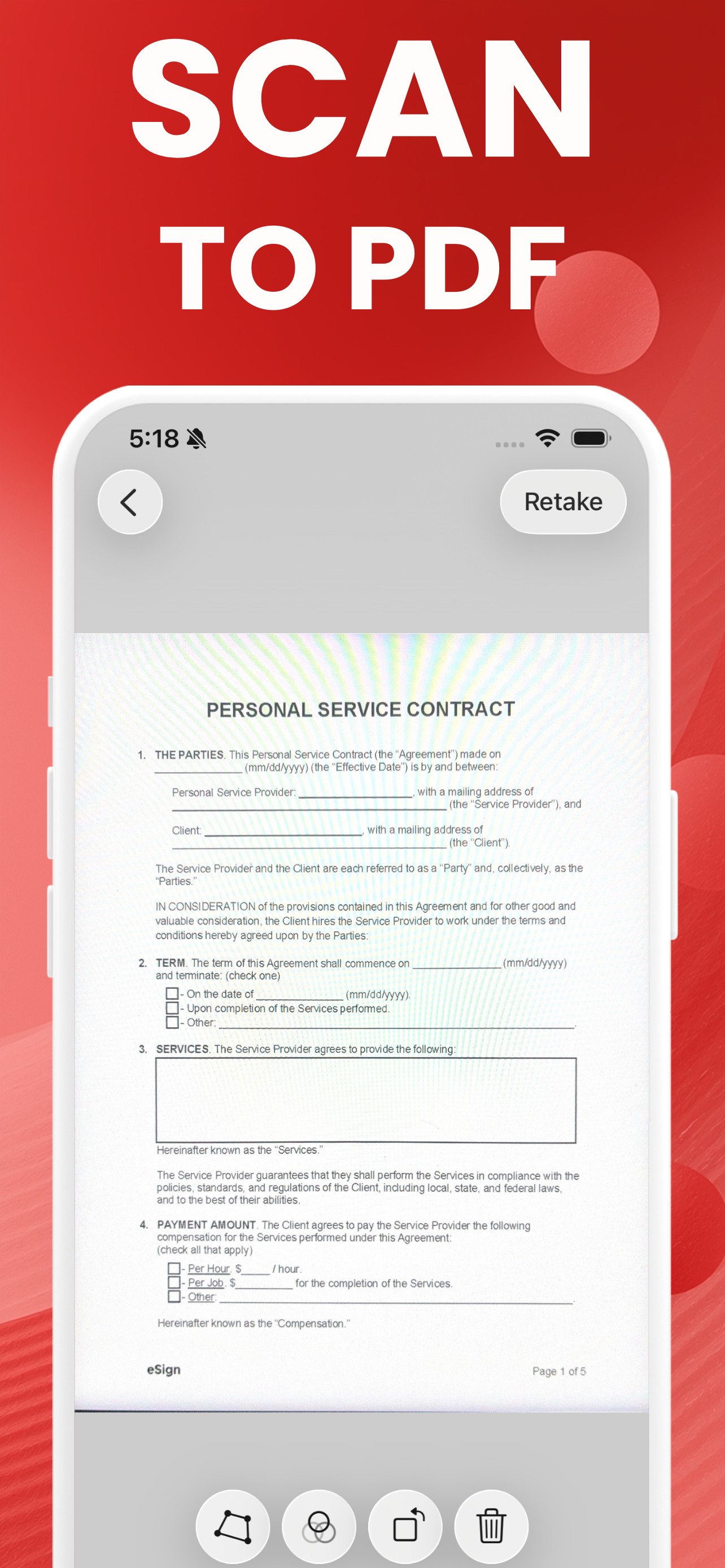
Scan paper, get a PDF
Point the camera at a receipt or a contract. The scanner finds the edges, straightens the perspective, and saves a sharp page. There is no text recognition — it makes a picture of the page, not a searchable document.
Merge or split
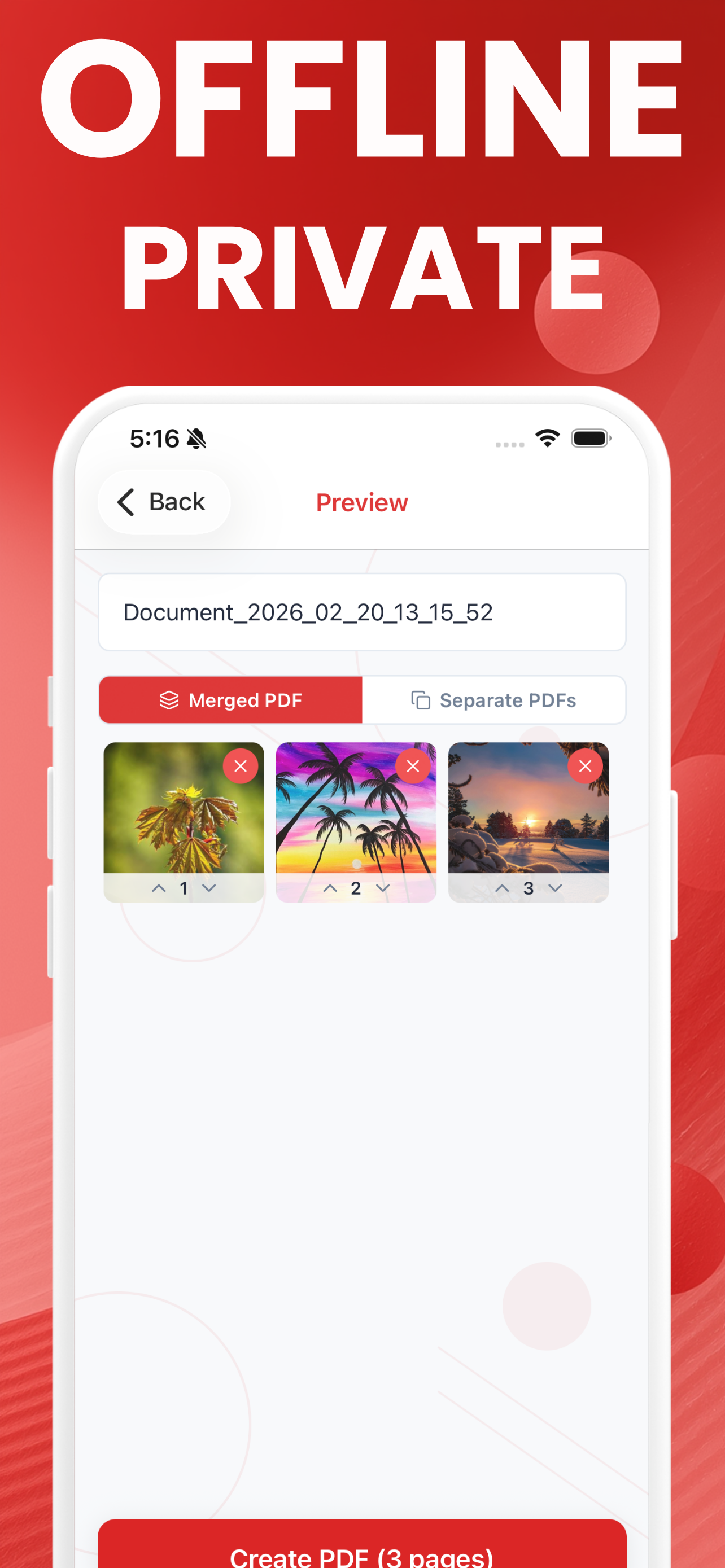
Turn twelve photos into one twelve-page PDF, or into twelve separate files, in the same step. Reorder pages with the arrows before you convert.
More than photos
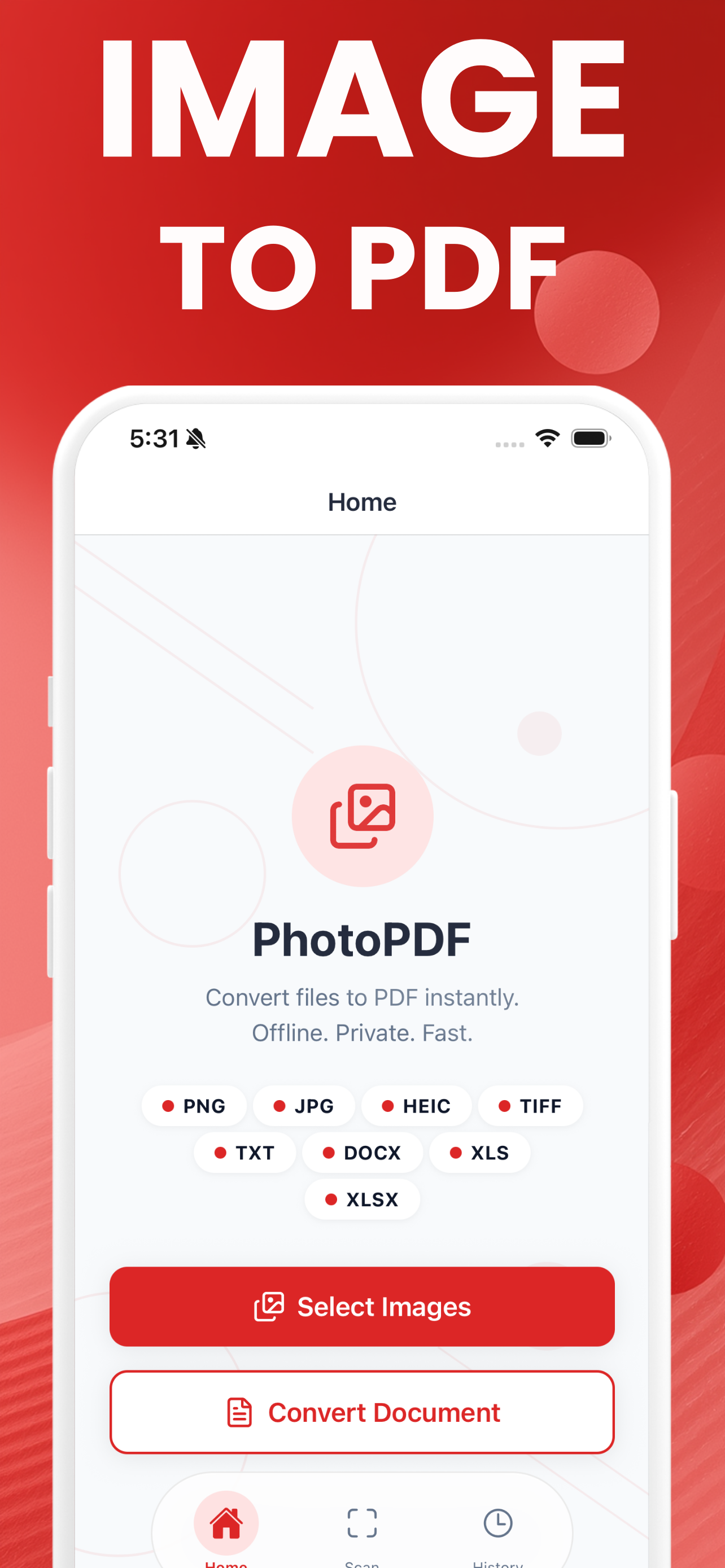
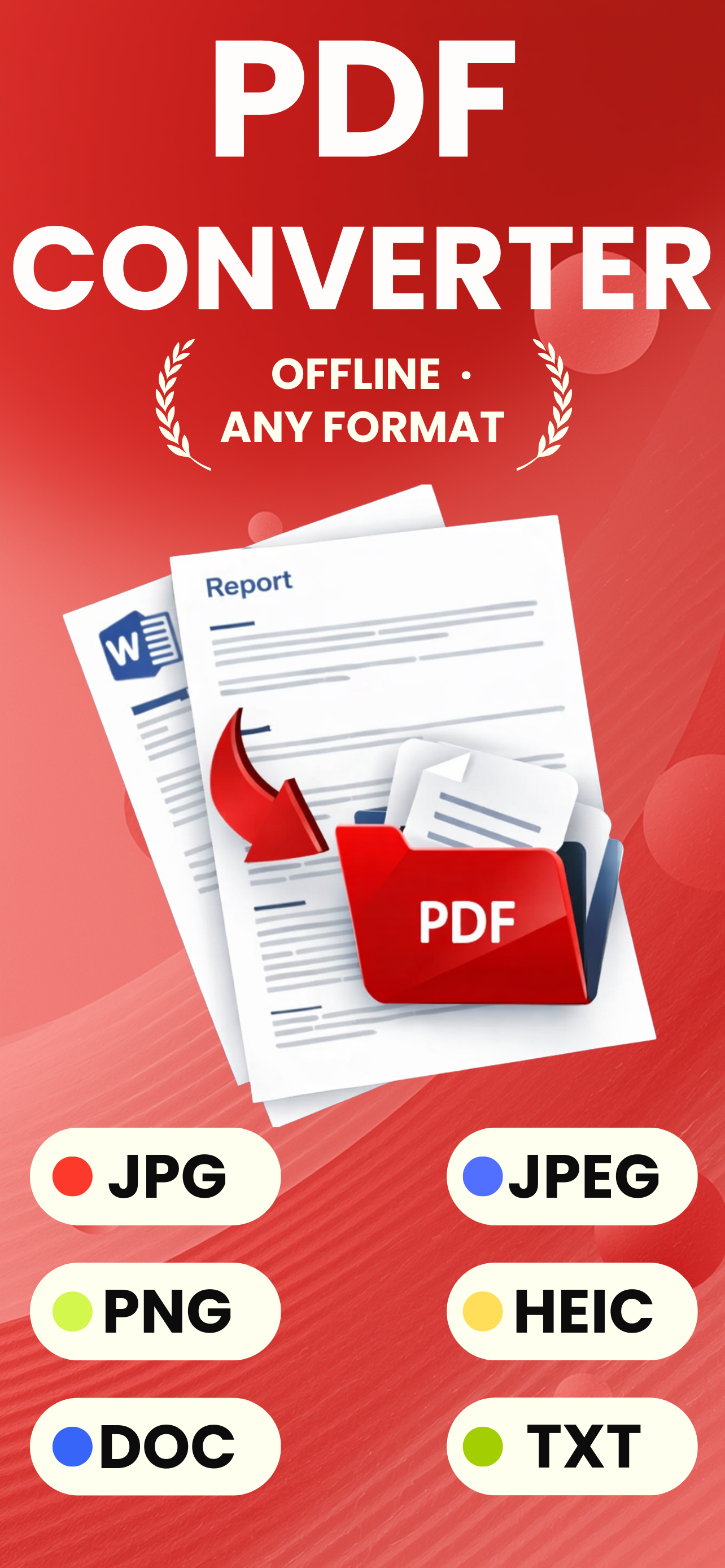
PNG, JPG, HEIC and TIFF, plus TXT, DOCX, XLS and XLSX documents imported from Files — all converted on the device.
Everything stays yours
No account, no cloud, no upload. Turn on Airplane Mode and it still works, which is the simplest proof there is.
Same conversions, without a browser
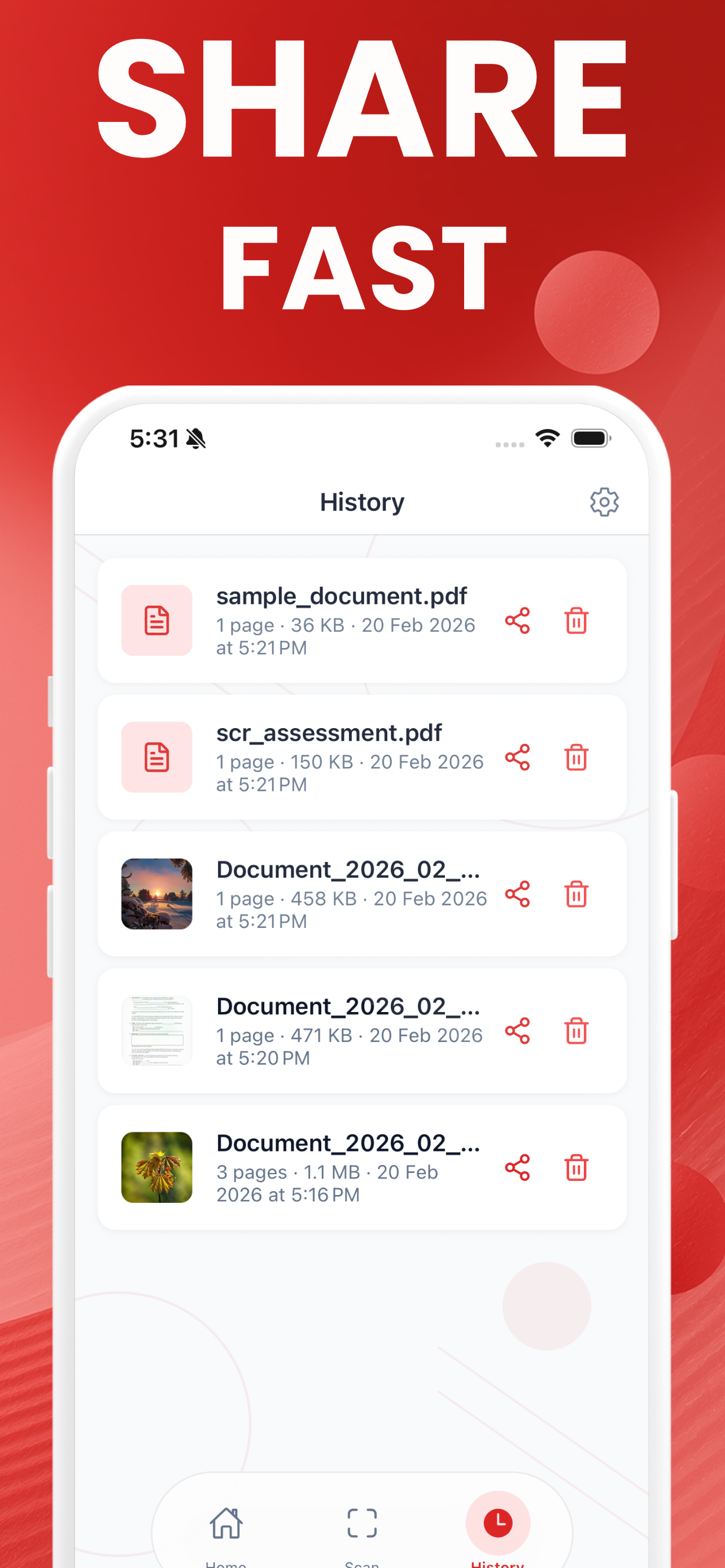
The free app adds a document scanner, keeps a history of everything you have made, and works with no signal at all.
Convert here instead
No install, no upload, same result.
Image to PDF converter
Every image becomes a page. Nothing is uploaded — the conversion happens in this tab.
🔒 Private by design: your images are converted in this browser tab and never uploaded.
App or website?
Use the website when you are at a computer: it handles more input formats, gives you finer control over page size and margins, and there is nothing to install. Use the app when the images are already on your phone, when you need the camera scanner, or when you have no signal.
Both convert on the device. Neither uploads your files. The difference worth knowing is quality: this website copies a baseline JPEG into the PDF untouched, while the app resizes photos to 1200 pixels wide and re-encodes them so the PDFs stay small enough to email comfortably. If the original resolution matters — a print job, an archive scan — use the website.
What it costs
The app is free to download and free to try with one conversion, so you can check the quality and the workflow before paying. Unlimited conversions are a Premium upgrade. The website is free with no conversion limit at all — only a practical ceiling of 200 images per batch, which is what a browser tab can hold.
Convert on your phone, with or without signal
The free iPhone app does everything this page does, plus a document scanner that finds the edges of a page for you, and a history of every PDF you have made. Nothing is uploaded there either.